

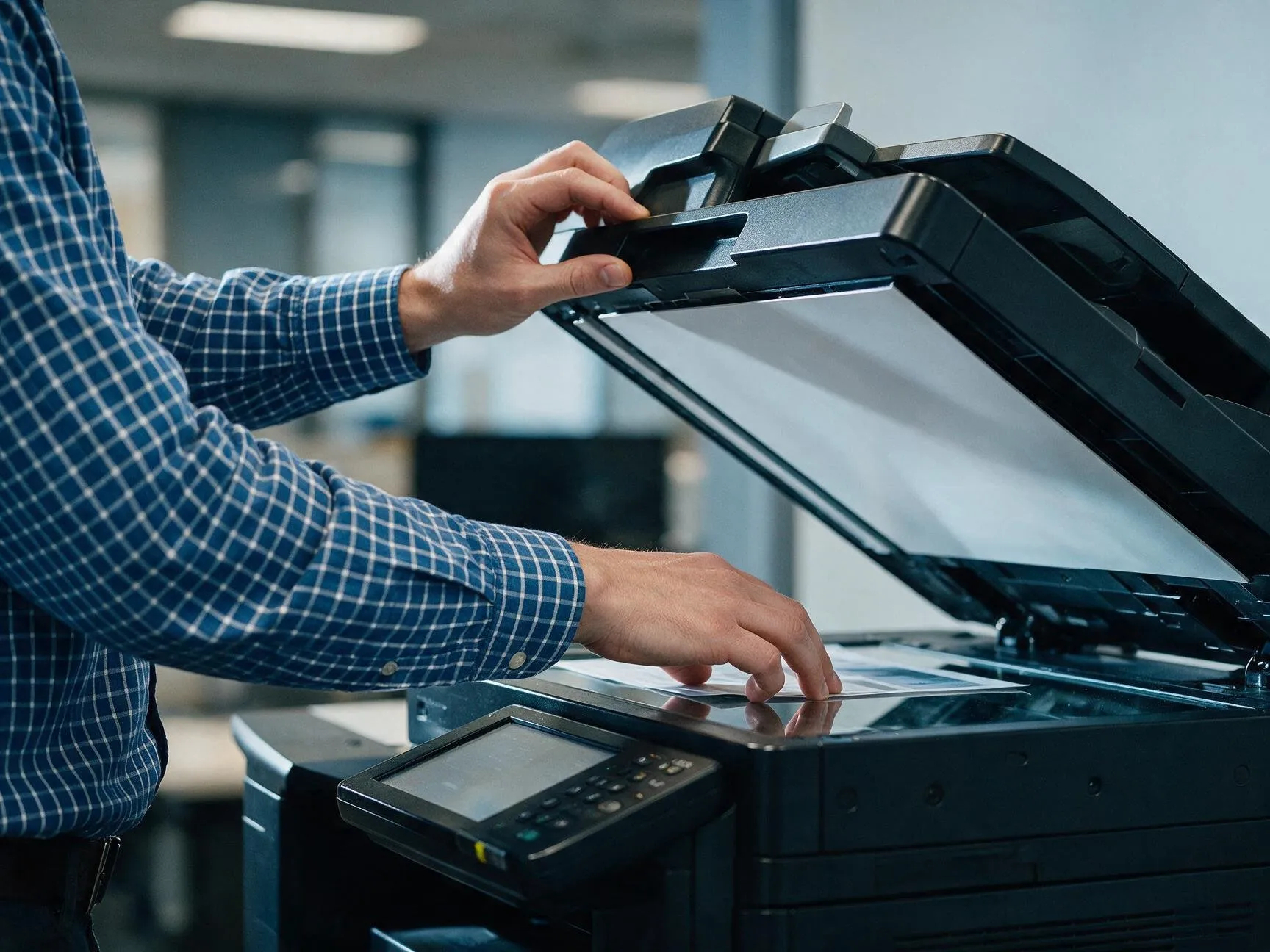
One shared office photocopier looks economical on paper. In a multi-floor office, it often costs more than it saves, because the real expense is staff time. This guide explains how to work out the right number of machines for your office, and what else to plan for when you add more than one.
The Hidden Cost of One Shared Machine
When five floors share one photocopier, every print job means a walk to another floor, a wait in the queue and documents left on the tray. Across a team, those minutes add up every day. A single machine also becomes a single point of failure: when it is down, the whole office stops printing.
Our recommendation for offices spread across several floors, with daily printing on each, is simple: place one machine per floor. The cost of an extra machine is usually small compared with the time your team loses moving between floors.
How to Work Out the Number of Machines
Start with how your office actually prints:
- Monthly volume by floor or team. Which teams print the most, and how many pages a month?
- Peak times. Do several teams print at the same time, such as month-end billing?
- Colour needs. Which teams print proposals or marketing material, and which print mainly forms and records?
- Distance. How far does each team walk to the nearest machine?
|
Office setup |
Suggested approach |
|---|---|
|
One floor, light printing |
One shared machine |
|
One floor, heavy printing |
One high-speed machine, or two placed apart |
|
Several floors, daily printing on each |
One machine per floor |
|
Mixed colour needs |
Colour machines where needed, black-and-white elsewhere |
Match Speed and Specification, Not Office Type
A photocopier for office use is essentially the same machine whether it sits in a factory, a corporate office or an administrative department. What matters is print speed in pages per minute (ppm) and the specification, matched to each floor’s workload.
Do not assume volume from location or company size either. A small business can print more than a large factory, because volume depends on the industry and its workflow. Looking at each floor’s real usage gives a far better answer than a guess. Our guide to the best photocopy machine for commercial use explains speed, resolution and other features to compare.
Plan for Power Supply in Larger Offices
Normal office power has little effect on a photocopier. Larger offices, however, can have phase imbalance in their electrical supply, and power fluctuations can damage equipment over time. If you are placing several machines in a large building, consider protection and voltage stabilisers as part of the setup.
Climate is less of a concern than it used to be. Modern machines are built for local conditions and are no longer badly affected by heat and humidity, as older machines were.
Network and Setup
Each machine needs to be connected so staff can print and scan from their desks. With several machines across floors, setup planning matters: which teams print to which machine, and where scanned files are sent. Discuss these needs before installation so every machine is ready on day one. We also train your team on each machine after installation.
Renting Several Machines Under One Plan
Buying several machines at once is a large upfront cost. Renting spreads that cost into monthly payments and keeps servicing for every machine under one plan, with one contact for support. You can also mix colour and black-and-white machines to suit each floor.
For offices in the city, see our photostat machine rental plans in Kuala Lumpur. For plan details and how rental works, see our copier machine rental page. If you are still deciding on colour, read our guide to choosing colour or black-and-white.
Frequently Asked Questions
Should each floor have its own photocopier?
In offices with daily printing on every floor, one machine per floor usually saves staff time and avoids queues. Offices with light printing may manage with a shared machine.
Can I mix colour and black-and-white machines?
Yes. Many offices place colour machines with the teams that need them and black-and-white machines elsewhere.
Does office power affect a photocopier?
Normal office power has little effect. Large buildings with phase imbalance may need protection and voltage stabilisers.
Can you recommend how many machines we need?
Yes. Tell us about your floors, teams and monthly printing, and we will suggest a setup.
Is servicing included for every rented machine?
Scheduled servicing and repairs are part of each rental plan. Your quotation confirms what is covered.